Escape
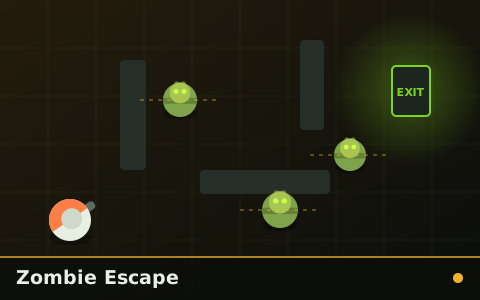
Zombie Escape
Find the exit, avoid the patrols, do not take the obvious route. Levels get denser, not bigger.
Emergency Escape puts a countdown on the screen and gives you exactly one way to extend it: reach the next checkpoint. Everything else — routing, zombie avoidance, risk-taking — becomes a question of what the clock can afford.
Reach the safe zone before the countdown expires. Checkpoints add time. Completing a sector starts a longer one.
| Action | Keyboard / mouse | Touch |
|---|---|---|
| Move | W A S D or Arrow keys | Left joystick |
| Pause | P or Esc | Pause button in the bar |
Pause with P or Esc, restart with R. The game pauses automatically if you switch tabs. Full details in zombie game controls explained.
The timer starts at twenty seconds, which is deliberately not enough to reach the safe zone. It is enough to reach the first checkpoint, which adds fifteen seconds, which is enough to reach the second. The whole game is a chain of just-barely-sufficient budgets, and the tension comes from how little slack any of them contain.
Because the clock is the real enemy, zombies function differently from other escape games. They do not need to catch you — they only need to make you go around, and every detour costs seconds you did not have. A zombie standing in a corridor is dangerous not because it might touch you but because it might cost you four seconds.
Checkpoint placement varies between runs while the total distance stays constant, which means route planning cannot be memorised. Each attempt is a fresh reading of where the checkpoints sit relative to each other and whether the fastest chain is also the safest one. It rarely is.
Chosen by shared category, mechanics and difficulty — not at random.
Find the exit, avoid the patrols, do not take the obvious route. Levels get denser, not bigger.

A city block you cannot see all of, two keycards you have to find, and one exit that only opens with both.

Side-on sprint through a stylised graveyard. Jump the headstones, duck the branches, reach the gate.

One zombie. It never stops, never loses you, and gets faster every checkpoint you reach.

A melee swing with a real cooldown, an arena with no exits, and waves that stop being survivable politely.
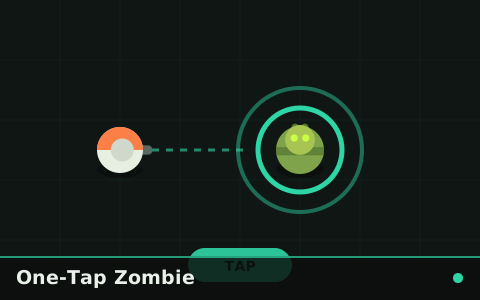
One button, one job: strike at exactly the right moment. Miss twice and it is over.
Cornerstone Guide
Escape games reward the route you chose, not the reaction you made. How to scout, commit and read pursuers.
Technique
You cannot make your reflexes faster, but you can shorten everything that happens before them — and buy more time to use them in.
Movement
Wide circles, diagonal crossings and the two-second rule — the movement patterns that work across every category on this site.
Browse the zombie escape category, the full library of 30 games, or the newest additions. If you are not sure what to try next, the ultimate guide suggests an order.