Escape
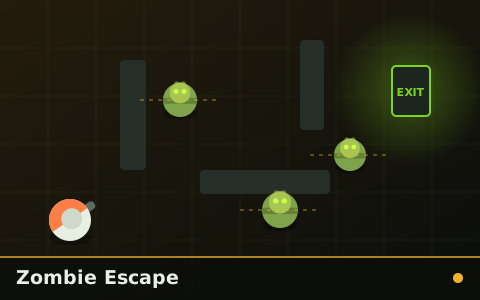
Zombie Escape
Find the exit, avoid the patrols, do not take the obvious route. Levels get denser, not bigger.
Graveyard Escape is the most phone-friendly game on the site and the gentlest in tone. It is a side-on sprint through a stylised, cartoonish graveyard — no gore, no darkness, just headstones to clear and low branches to duck under on the way to the gate.
Reach the graveyard gate. Distance is recorded, and each completed run starts a longer, faster route.
| Action | Keyboard / mouse | Touch |
|---|---|---|
| Jump | Space or Up arrow | Tap anywhere |
| Duck | Down arrow or S | Swipe down or Duck button |
| Pause | P or Esc | Pause button in the bar |
Pause with P or Esc, restart with R. The game pauses automatically if you switch tabs. Full details in zombie game controls explained.
The control scheme is two inputs and nothing else: tap to jump, swipe down or press the down key to duck. Everything the game asks you to do is a combination of those two, which is why it works so well one-handed and why it is the game we point genuinely new players at first.
The obstacle grammar is intentionally simple and always readable. Headstones must be jumped, low branches must be ducked, and open graves must be jumped but are wider so the timing window is different. There are no obstacles that require a judgement call about which input to use — the shape always tells you.
The zombies here are scenery for most of the run: they shuffle along the background and become a threat only in the final stretch before the gate, where a few step onto the path. That structure gives the level a rising shape without ever making the early section punishing.
Chosen by shared category, mechanics and difficulty — not at random.
Find the exit, avoid the patrols, do not take the obvious route. Levels get denser, not bigger.

A city block you cannot see all of, two keycards you have to find, and one exit that only opens with both.
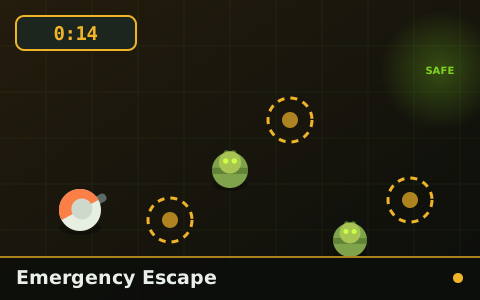
A countdown that only checkpoints can extend. Reach the safe zone or run out of clock trying.

One zombie. It never stops, never loses you, and gets faster every checkpoint you reach.
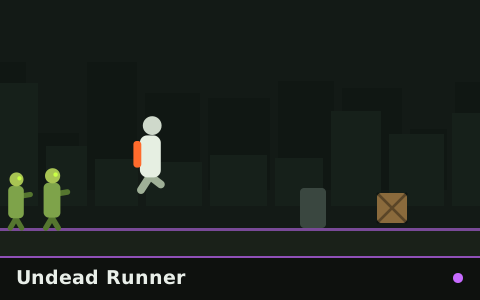
Endless side-scrolling sprint. Jump, slide, grab supplies and keep ahead of a horde that never tires.

Ninety seconds to gather as many supply crates as you can while the streets fill up behind you.
Cornerstone Guide
Runners look like reaction tests and are really pattern-recognition tests. How to stop reading obstacles and start reading shapes.
Cornerstone Guide
Every control scheme used across the site, why each game uses the one it does, and how to set yourself up comfortably on desktop or phone.
Technique
You cannot make your reflexes faster, but you can shorten everything that happens before them — and buy more time to use them in.
Browse the zombie escape category, the full library of 30 games, or the newest additions. If you are not sure what to try next, the ultimate guide suggests an order.